Lorefire

A local-first chronicle for 5e tabletop campaigns. Record sessions, transcribe with AI, generate bardic summaries, track characters, and build your campaign archive — all on your machine, no cloud required.

BUILT WITH OPEN SOURCE

NativePHP Laravel React SQLite
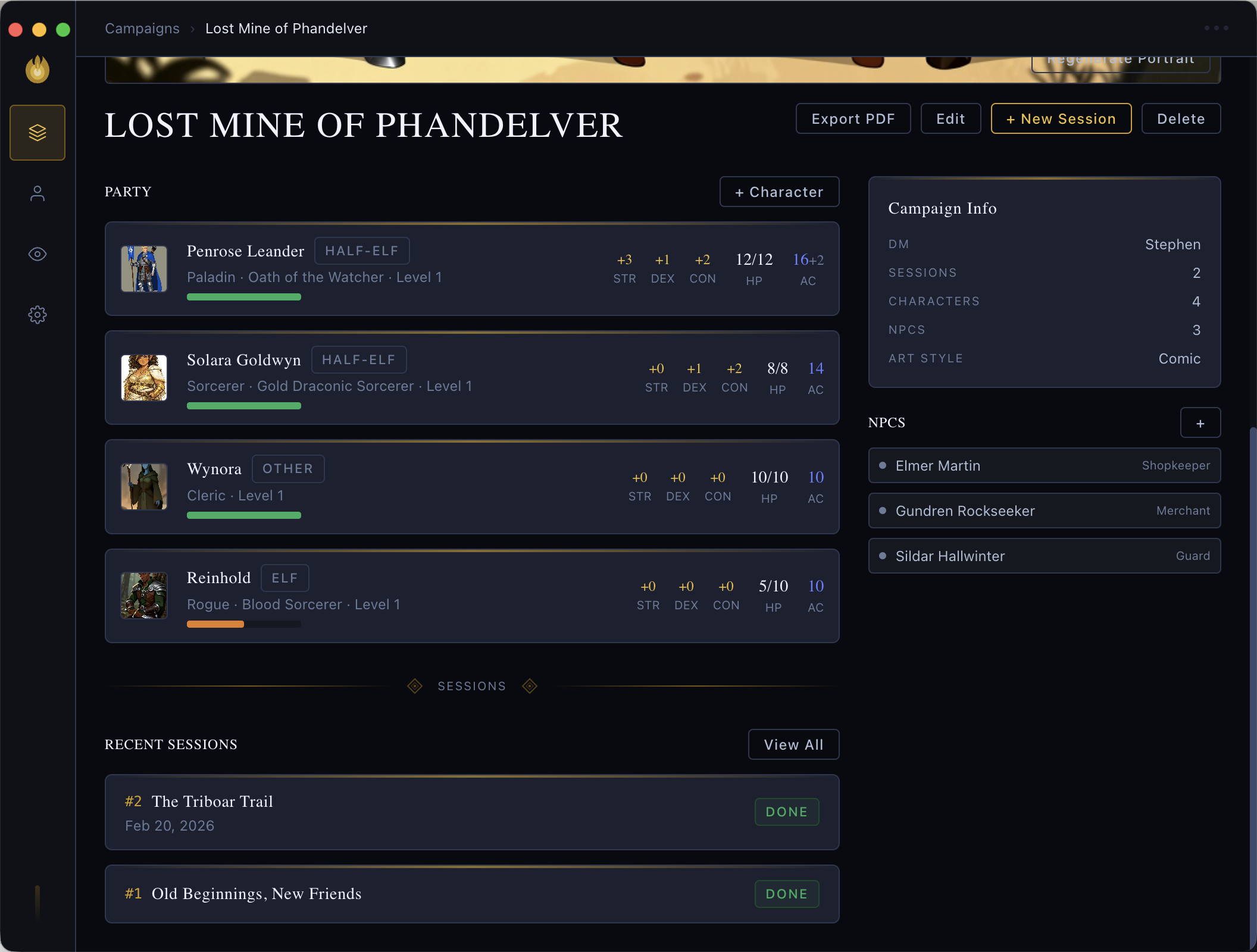
Lorefire campaign view

Record & Transcribe

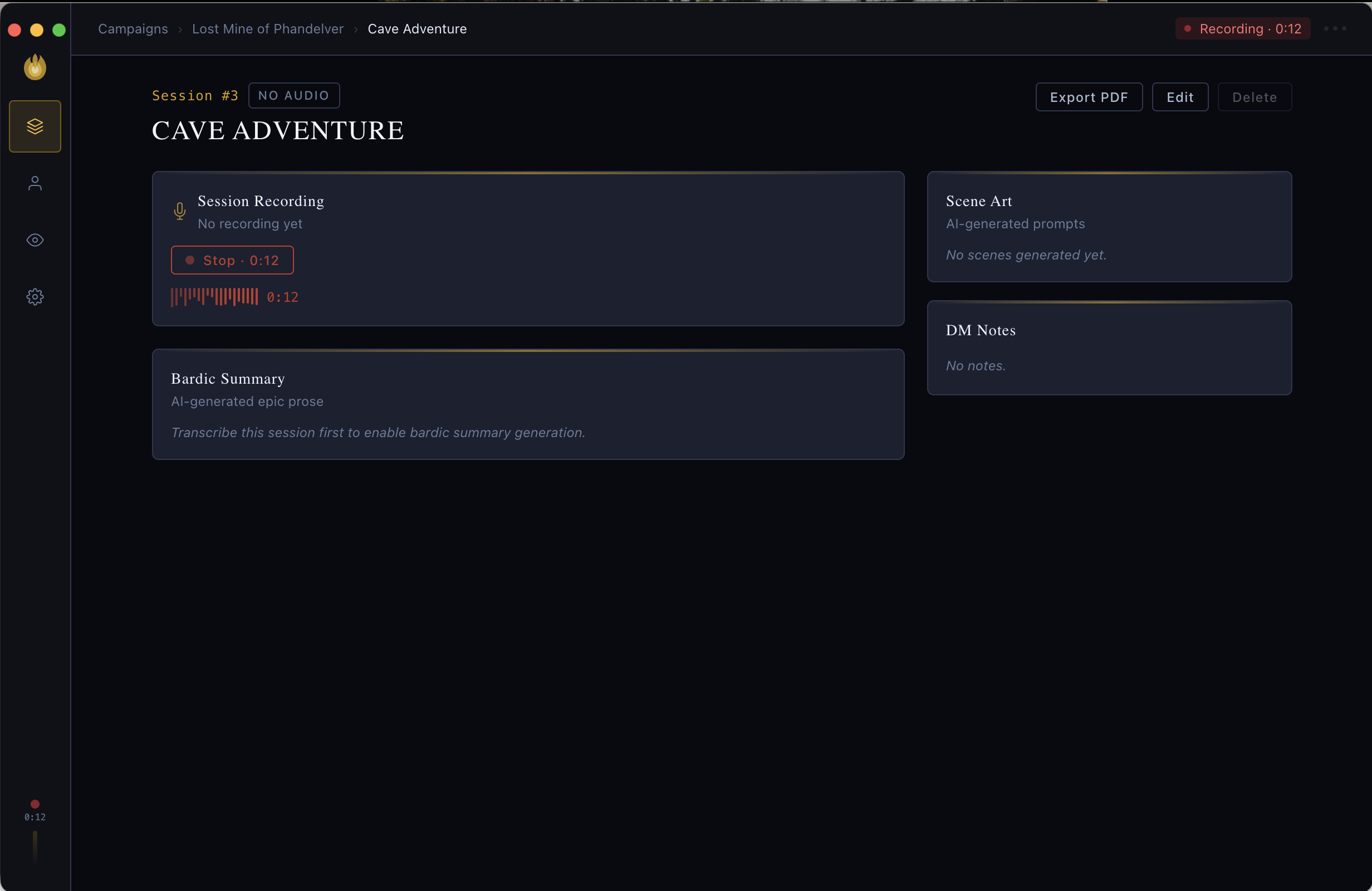
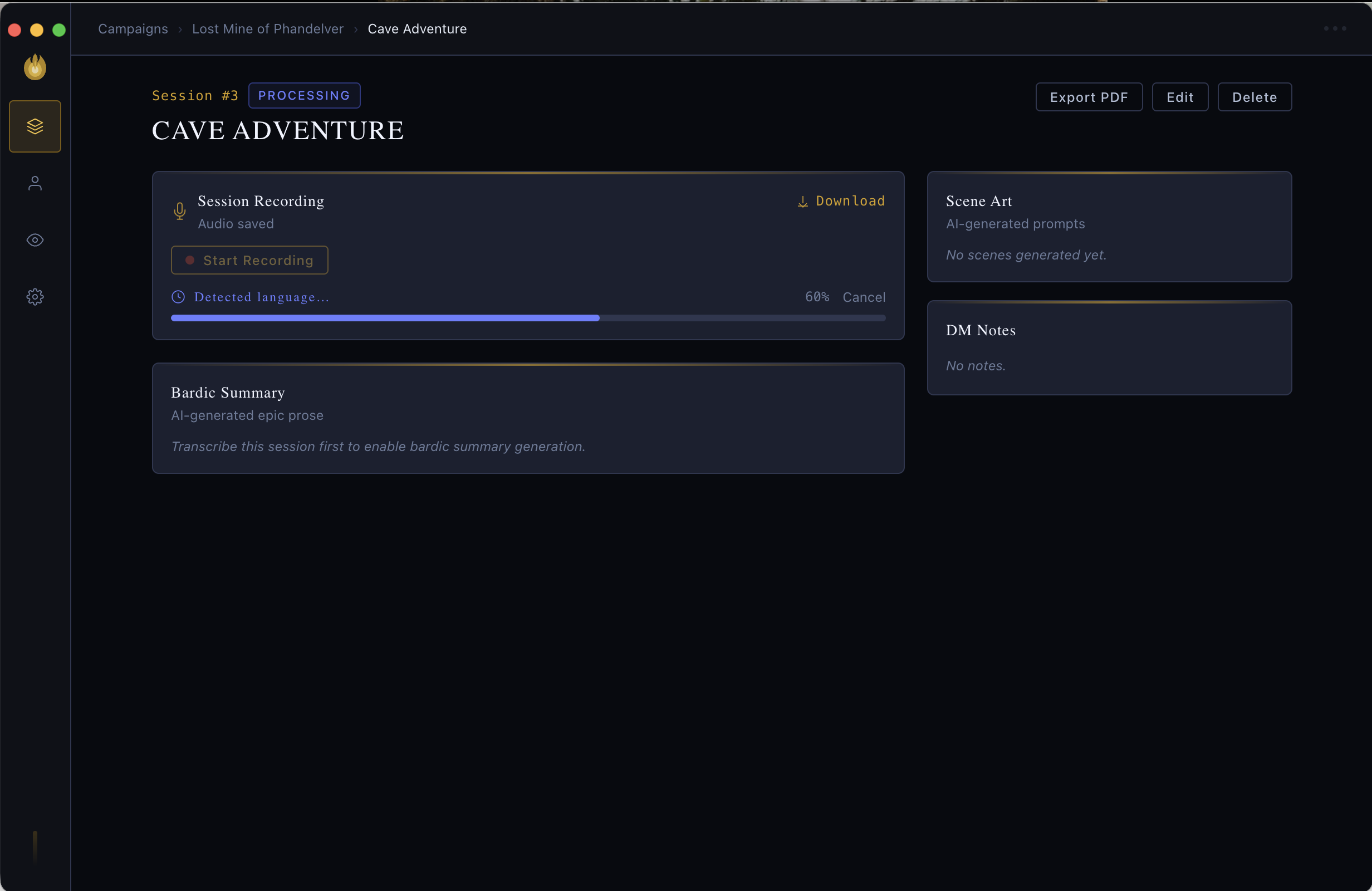
Record audio at the table and transcribe locally with WhisperX — no data ever leaves your machine. Choose from tiny to large-v3 models. Supports speaker diarization so the transcript knows who said what.

Bardic Summaries

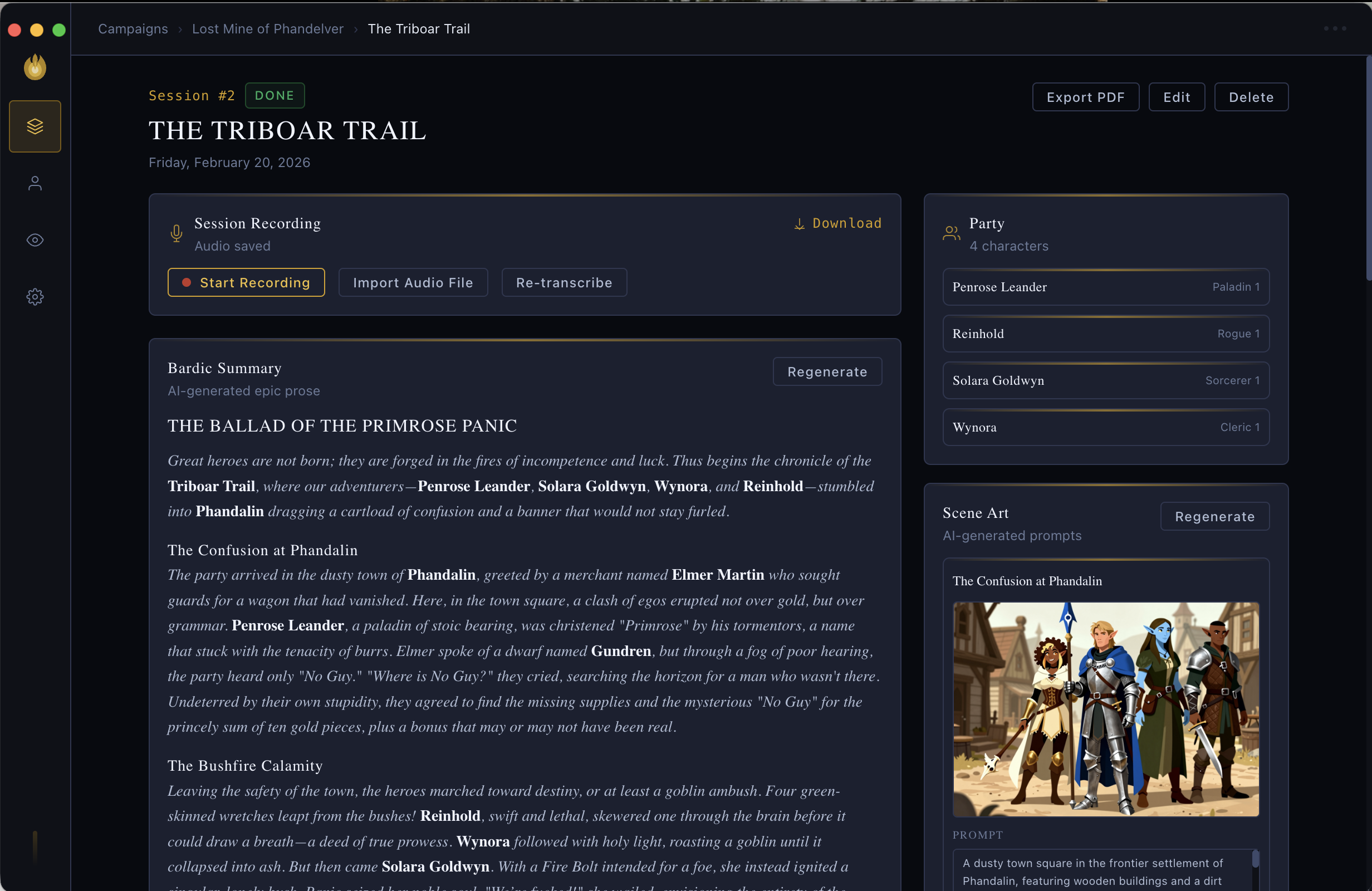
AI-generated epic prose recaps of each session, written as if a bard were present. Share with your party after every game.

Full 5e Character Sheets

HP, spell slots, inventory, conditions, and short/long rests. Import directly from D&D Beyond.

The Oracle

An AI chat assistant with full access to your campaign data — sessions, characters, NPCs, and encounters. Ask anything about your world. Supports z.ai, OpenAI, Anthropic, and local Ollama models.

Encounter Tracker

Auto-detect encounters from transcripts with round-by-round breakdowns and outcome tracking.

NPC Roster

Track NPCs with attitudes, locations, and AI-generated portraits. Watch relationships evolve over the campaign.

Art Generation

Generate character portraits and scene art via ComfyUI (local), z.ai, or DALL-E. Lifelike or comic art styles.

Fully Offline

All data lives in a local SQLite database. No account, no sync, no telemetry. Your campaigns stay on your machine.

See It in Action

From session recording to AI-generated recaps — all on your machine.

Session view with bardic summary
Session view with AI-generated bardic summary
Session recording interface
In-session recording
Live transcription
Local WhisperX transcription

Get started in minutes

Download the release build or run from source.

1

Download

Grab the latest .dmg from the Releases page and drag Lorefire.app to /Applications.

2

Remove quarantine

The app is not notarized. Run once to clear the Gatekeeper flag:

xattr -rd com.apple.quarantine /Applications/Lorefire.app
3

Complete onboarding

Launch the app. The wizard walks you through setting up your LLM provider, transcription model size, and first campaign.

1

Download

Grab the latest .exe installer from the Releases page and run it.

2

Allow the installer

Windows SmartScreen may show a warning since the app is not code-signed. Click More info then Run anyway to proceed.

3

Complete onboarding

Launch Lorefire from the Start Menu. The wizard walks you through setting up your LLM provider, transcription model size, and first campaign.

Works with your AI provider

Fully local or cloud — your choice. Swap providers any time in Settings.

Ollama Any local model. No API key, fully offline.
OpenAI GPT-4o-mini. Requires API key.
Anthropic Claude Haiku. Requires API key.

Frequently Asked Questions

Is Lorefire free?

Yes. Lorefire is open-source under the MIT license. No subscription, no account required.

What hardware do I need?

Lorefire runs on macOS (Apple Silicon and Intel) and Windows. Apple Silicon Macs excel at local AI workloads. Windows is supported — a dedicated GPU helps for local transcription and image generation but is not required.

Where is my data stored?

On macOS: ~/Library/Application Support/lorefire/. On Windows: %APPDATA%\lorefire\. Nothing is synced or uploaded anywhere.

Can I use it without an AI provider?

Yes. Lorefire falls back to template-based summaries when no provider is configured. Recording, transcription, and character tracking still work fully offline.

How does local transcription work?

Lorefire bundles WhisperX in a local Python virtual environment. The first launch installs it automatically. Audio never leaves your device.

Can I import characters from D&D Beyond?

Yes. Use Settings → D&D Beyond Import and paste your character URL. Stats, features, spells, and inventory are imported automatically.

Ready to chronicle your campaign?

Free, open source, and entirely offline.

Why Lorefire?

Every campaign deserves to be remembered. Lorefire is built for the table — a private, offline chronicle that captures your sessions as they happen and turns raw recordings into epic prose, NPC rosters, encounter timelines, and full character histories.

Truly Local

No accounts. No subscriptions. No cloud. Your entire campaign — recordings, transcripts, portraits, summaries — lives in a SQLite database on your own machine. Lorefire uses local AI models by default; your party's secrets stay at the table.

AI That Knows Your World

The Oracle chat assistant has full access to your campaign data. Ask it who the party met in Session 3, what your character's spell slots are, or to write a recap in the voice of a bard who was actually there.

Built for the Long Campaign

Lorefire is designed to scale across years of play. Import characters from D&D Beyond, track HP and spell slots through every session, watch NPCs evolve as attitudes shift, and export any session to PDF when you want something to hold in your hands.